How to Get More Google Reviews for Your Service Business
Simple ways to get more Google reviews from happy customers: when to ask, what to say, and how to make it a habit your crew never forgets.
The Yardova team · October 26, 2026 · 4 min read
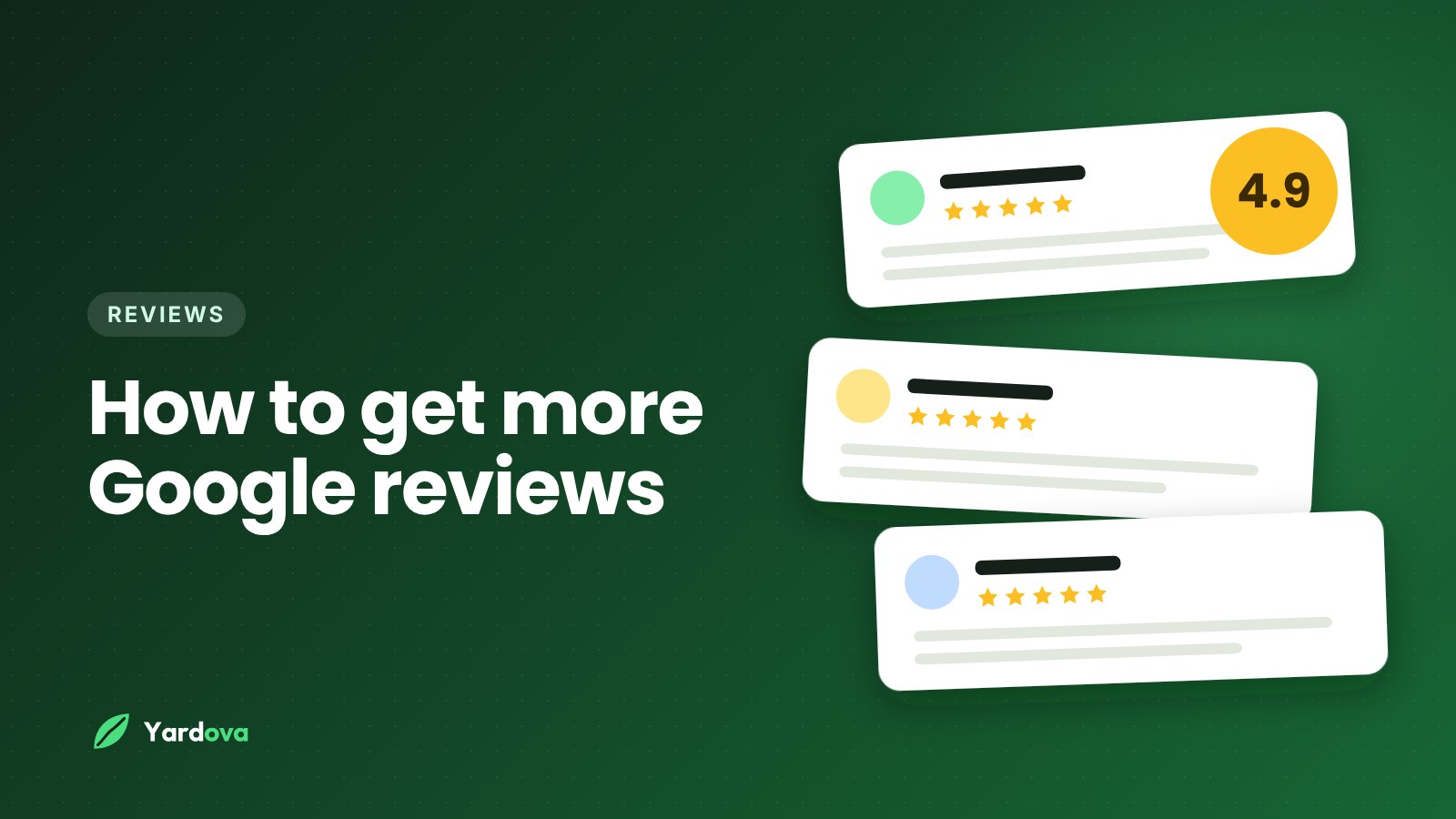
If you want to get more Google reviews, the good news is that you don't need tricks or a marketing budget. Most happy customers are willing to leave a review. They just need to be asked at the right moment, in the right way, with a link that takes ten seconds to use.
Reviews matter more for local service businesses than almost anything else online. When a homeowner searches "lawn care near me" or "junk removal near me," the businesses with more recent, positive reviews stand out on the map and get the calls. This guide shows you how to build a steady stream of them.
Why reviews matter so much for local service businesses
When someone needs a service at their home, they're letting a stranger onto their property. Reviews are how they decide who to trust. A few things to know:
- Recent reviews count. A business with steady reviews this month looks busier and more trustworthy than one whose last review was a year ago.
- Customers read what people say, not just the stars. Reviews that mention the crew being on time, the yard looking great or the price being fair do a lot of selling for you.
- Your replies are seen too. Thanking customers and calmly answering the rare complaint shows future customers how you treat people.
How to get more Google reviews: the basics
1. Make it ridiculously easy
Get your direct review link from your Google Business Profile (it's under "Ask for reviews" or "Get more reviews"). That link opens the review box straight away, with no searching. Every request you send should use it.
2. Ask at the right moment
The best time to ask is right after the job, while the customer is looking at a clean yard, an empty garage or a sparkling kitchen. A text sent the same day gets far more responses than an email a week later.
3. Ask personally and briefly
Short, friendly and specific works best. For example:
"Hi Dana, thanks for having us out today. If you're happy with how the yard turned out, would you mind leaving us a quick Google review? It really helps a small business like ours: [link]"
Mention their name and the work you did. Keep it to two or three sentences.
4. Ask everyone, every time
Don't cherry-pick. When asking becomes an automatic step after every finished job, the reviews add up month after month without you thinking about it.
Turn review requests into a habit
The reason most businesses don't have many reviews isn't that customers say no. It's that nobody remembers to ask on a busy day. Build it into your routine:
- Make it part of finishing a job. When the crew marks a job complete, a review request goes out.
- Don't ask the same customer too often. For recurring customers like weekly mowing or cleaning, ask once, then wait a few months before asking again.
- Train your crew to mention it. A quick "We'd love a review if you're happy, we'll text you the link" at the end of the visit makes the text feel expected, not random.
- Track it. Check your review count each month. If it stalls, look at whether requests are actually going out.
What not to do
Google has clear rules, and breaking them can get reviews removed or your profile penalized:
- Don't offer payment, discounts or gifts in exchange for reviews.
- Don't ask only happy customers through a filter that sends unhappy people somewhere else (often called "review gating").
- Don't write reviews yourself or ask friends and family to pretend to be customers.
- Don't post several reviews from the same device or location, like asking customers to use your phone on the spot.
Honest reviews from real customers, collected steadily, are what work long term.
How to reply to reviews
Reply to every review, good or bad, within a few days.
- Positive reviews: thank them by name and mention the service. "Thanks, Mark! Glad the spring cleanup came out the way you wanted. See you for mulch season."
- Negative reviews: stay calm, apologize for their experience, and offer to make it right offline. "Sorry to hear this, Linda. That's not the experience we want for anyone. Please call me directly at [number] so we can fix it." Future customers judge you more by your reply than by the complaint.
Wrap-up: get more Google reviews on autopilot
To get more Google reviews, ask every customer, right after the job, with a short personal text and your direct review link. Do that consistently and your profile will grow month after month, bringing in more calls from people who already trust you.
Yardova can send review requests automatically when a job is marked complete, with your Google link and the customer's name filled in, and it won't ask the same customer too often. Start a free Yardova account or book a demo to see how it works. For more ways to fill your schedule, read how to get more lawn care customers.