Crew Scheduling Made Simple: A Guide for Small Service Businesses
A simple crew scheduling system for lawn care, cleaning and junk removal businesses: plan the week, route each crew, handle changes and stop the daily chaos.
The Yardova team · 26 de octubre de 2026 · 3 min de lectura
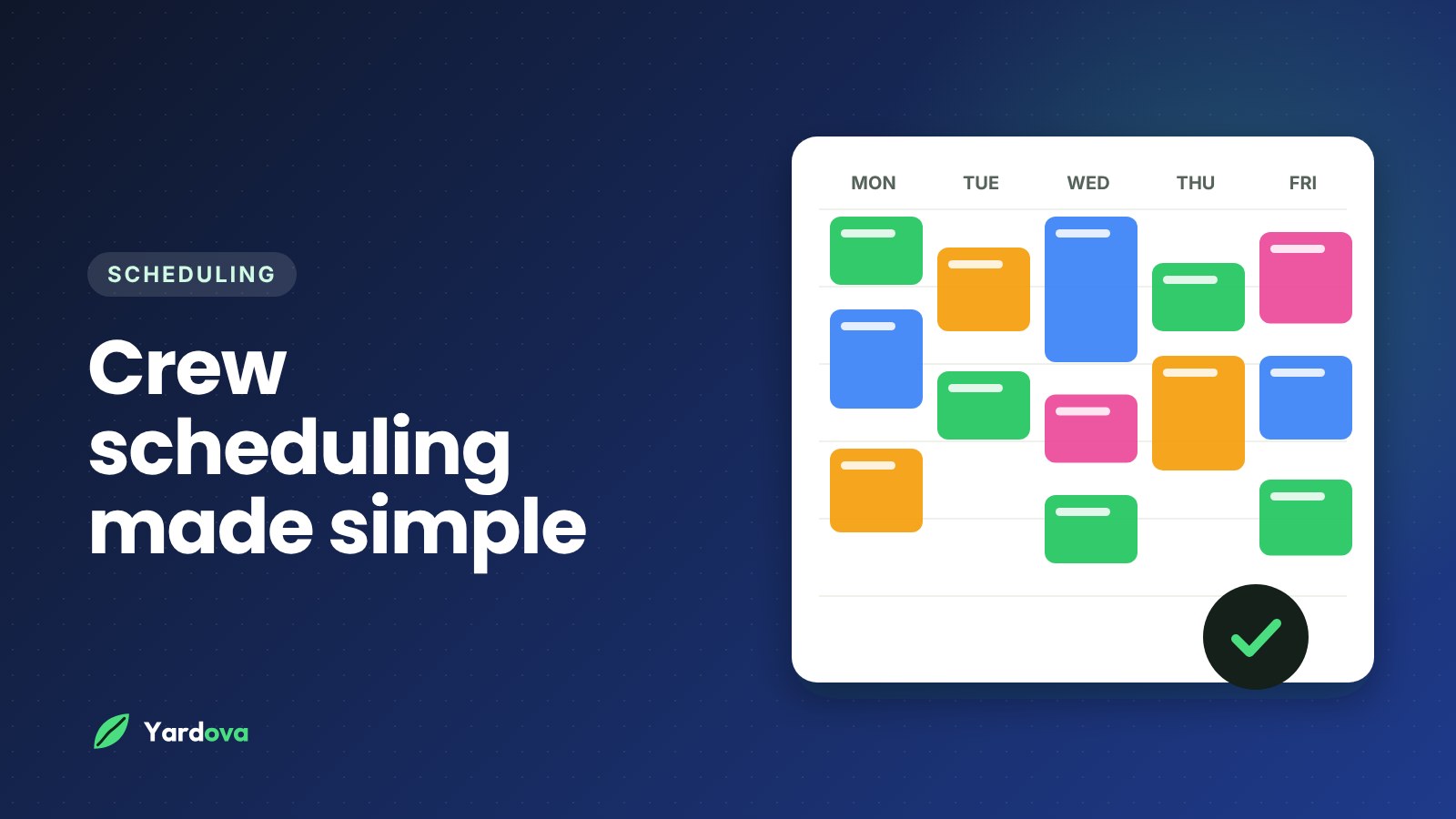
Crew scheduling is where a lot of small service businesses lose hours every week. Phone calls asking for addresses, two crews driving past each other across town, a customer who forgot you were coming, and a whiteboard that's out of date by 9am. It doesn't have to be that way.
This guide walks through a simple crew scheduling system that works whether you have one truck or five: how to plan the week, build routes that make sense, handle changes without chaos and keep everyone on the same page.
Start with a weekly plan, not a daily scramble
The biggest shift is planning the week ahead instead of figuring out each morning as it comes.
- Put recurring work on first. Weekly mowing, every-other-week cleaning and monthly service visits are the backbone of your schedule. Set them up once so they repeat automatically.
- Add one-time jobs around them. Cleanups, removals and installs go into the gaps, grouped by area when you can.
- Leave a little room. A buffer each day absorbs jobs that run long, weather delays and the urgent call that comes in on Tuesday.
- Look at the whole week before Monday. Ten minutes on Sunday evening spotting overloaded days saves hours of reshuffling later.
Group jobs by area to cut driving time
Drive time is unpaid time. The simplest fix is to group jobs geographically:
- Assign neighborhoods to days. For example, the north side on Mondays and Thursdays, the south side on Tuesdays and Fridays. Recurring customers get a consistent day, and crews spend less time on the road.
- Put each crew's stops in driving order. Even a rough order, closest first and looping back, can save a surprising amount of time and fuel over a week.
- Book new customers into existing routes. When a new lead is near an area you're already working, offer them that day. It's more efficient for you and often faster for them.
Give every crew what they need on their phone
Most "where am I going?" calls happen because the information lives in the owner's head or on a piece of paper. Each crew should see, for every job:
- The address with one-tap directions
- The time window and what the customer expects
- Notes like gate codes, pets, parking and problem areas
- A checklist of the work, so nothing gets skipped
- Photos from the customer or from the last visit
When crews have this on their phones, they can run their day without calling you, and you can actually get work done.
Handle changes without the chaos
Changes are part of the job. The goal is to handle them in one place so nobody works from old information.
- Rain days: move the affected jobs to the next open day and let customers know by text. Recurring visits can shift back a day without breaking the pattern.
- Running long: crews should be able to see the next stop and send an "on my way" text when they leave, so customers aren't waiting and wondering.
- Cancellations and add-ons: update the job, and the crew's phone updates too. No more calling around to tell everyone.
Keep customers in the loop automatically
A lot of scheduling headaches are really communication headaches. A few automatic messages fix most of them:
- A booking confirmation when the job is scheduled.
- A reminder the day before, so gates are unlocked, cars are moved and pets are inside.
- An "on my way" text when the crew heads over.
Fewer customers forget, fewer crews arrive to locked gates, and fewer phone calls interrupt your day.
Track time for easier payroll
If your crew clocks in and out on their phones, you get accurate hours without collecting paper timesheets. You'll also start to see how long each type of job really takes, which makes your crew scheduling and your quotes more accurate over time.
Wrap-up: a crew scheduling system that runs itself
Good crew scheduling comes down to a few habits: plan the week with recurring work first, group jobs by area, give each crew everything on their phone, handle changes in one place and let automatic texts keep customers informed.
Yardova does all of this in one app: repeating jobs, a color-coded schedule by crew, today's stops in driving order, checklists and photos, reminder and on-my-way texts, and a time clock for payroll. Start a free Yardova account or book a demo and we'll set it up around your routes. If you run a lawn care business, see lawn care software built for weekly routes.